Petalinux Zynq configuration order
This is a short reminder to myself on how to configure the Petalinux for Zynq 7000.
First, source the settings.sh from the Petalinux root folder.
source ./settings.sh
Create the project from Vivado hardware definintion export. It's a good idea to provide a complete path to the xsa file.
    petalinux-create project --template zynq --name nasrm-usb
    cd nasrm-usb
    petalinux-config --get-hw-description /data2/hw/nasrm/usb_wrapper.xsa
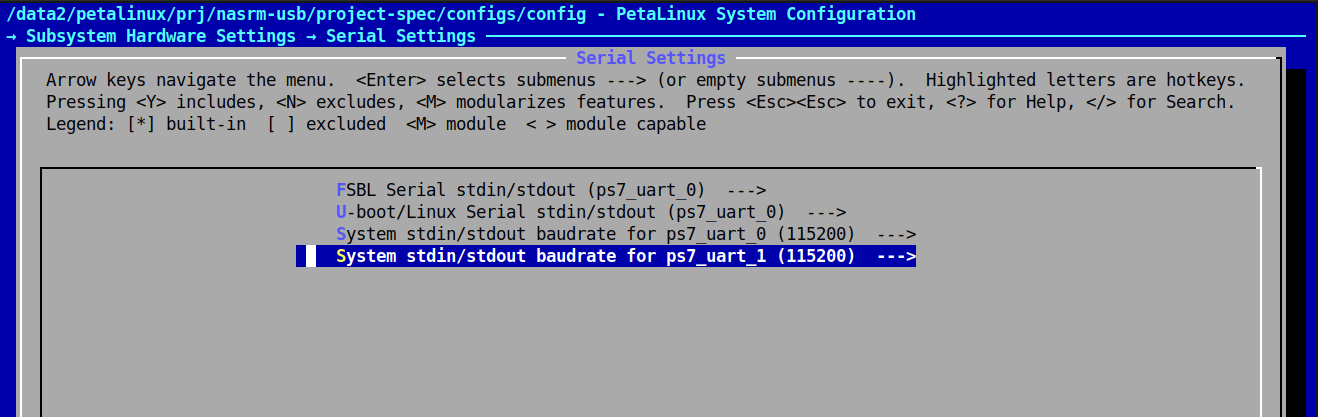
This will present a configuration screen. Don't forget to set the serial devices for boot messages and terminal access.
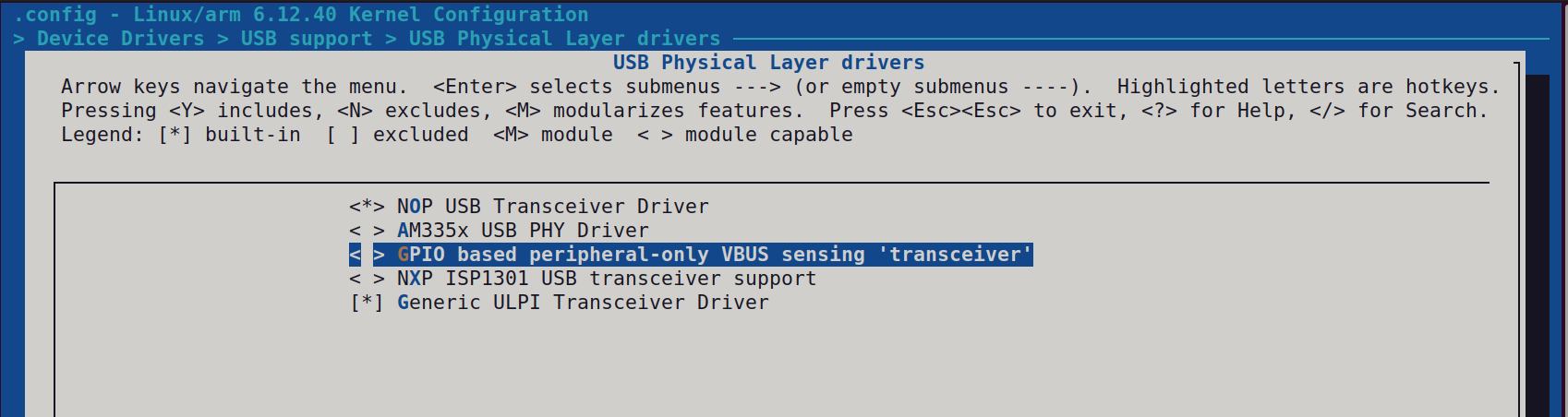
Then, configure the kernel with all of the necessary modules. Basically it's a good old linux menuconfig.
petalinux-config -c kernel
If the tinfo5 library is not found in ubuntu 24, you may symlink it somewhere or download from ubuntu 22:
    sudo apt update
    wget http://security.ubuntu.com/ubuntu/pool/universe/n/ncurses/libtinfo5_6.3-2ubuntu0.1_amd64.deb
    sudo apt install ./libtinfo5_6.3-2ubuntu0.1_amd64.deb
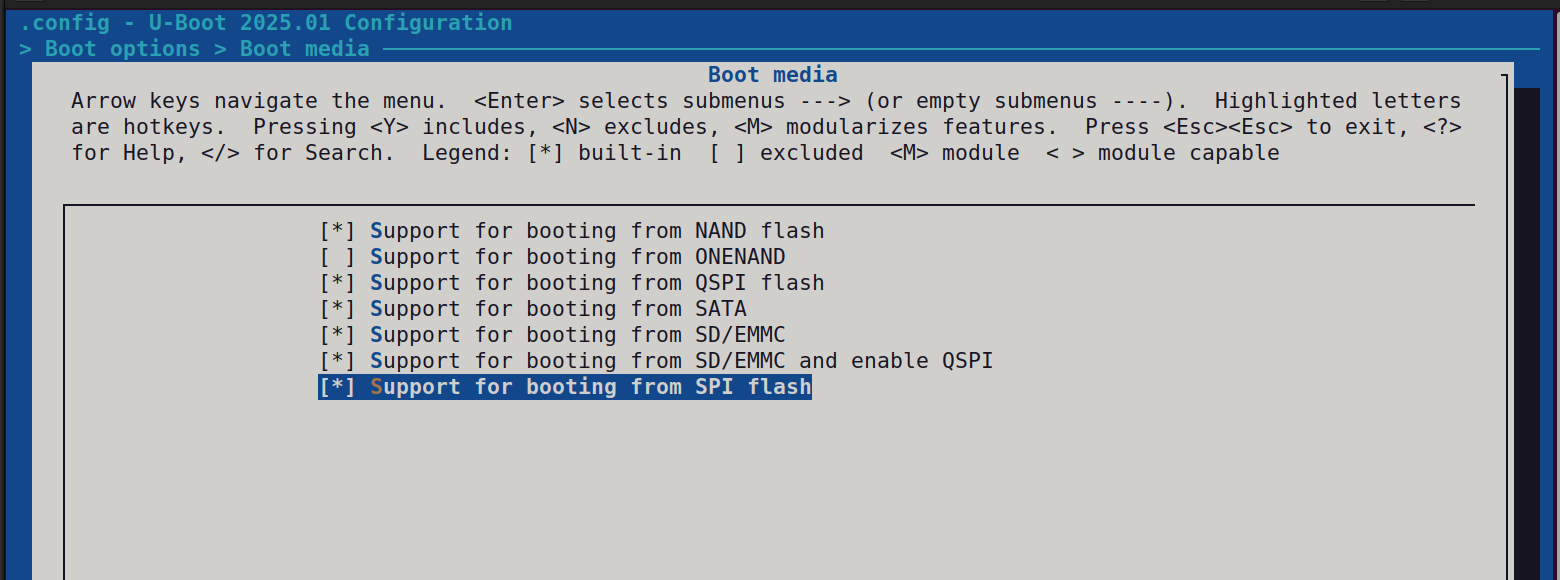
Configure the uboot, and don't forget about the boot media.
petalinux-config -c u-boot
Configure the root FS. Choose the applications to build and include them into the root FS image.
petalinux-config -c rootfs
Now it's time to build the image. This would take some time to complete.
petalinux-build
Once the image is built, it could be loaded with qemu for test.
petalinux-boot qemu --kernel --rootfs images/linux/rootfs.cpio
This step is important. For some reason Petalinux was not creating a BOOT.BIN automatically. I have found the solution on forums. This command creates the BOOT.BIN. Thanks to whoever shared this.
    petalinux-package --boot --u-boot images/linux/u-boot.elf \
    --dtb images/linux/system.dtb --fsbl images/linux/zynq_fsbl.elf
To boot the board from the uSD card:
Call fdisk to create a new DOS boot record.
Create a first primary partition of 1GB size, set type to windows 32 dos, and set it bootable.
Create a second primary partition, and set the type to Linux.
Format the first partition with mkfs.vfat.
Copy the BOOT.BIN, boot.scr, image.ub to the root folder of the boot (first VFAT) partition of microsd card.
Unpack the root image into the second partition.
dd if=rootfs.ext4 of=/dev/sdd2
Don't forget to set the bootstrap pins before booting up from uSD.