Interactive HTML BOM plugin for KiCad
Those of you who have assembled a complex board manually know how much time it takes to prepare components and cross-check them against BOM lists while soldering chips onto the board. Usually, I prepare a few paper lists for that purpose and cross out soldered components one by one. However, it’s not as fast as you may think. My silkscreen designators aren’t perfect, so I still occasionally have to check the schema to continue. Today, I was looking for a better way to generate the BOM for assembly and found “Interactive HTML BOM plugin for KiCad”.
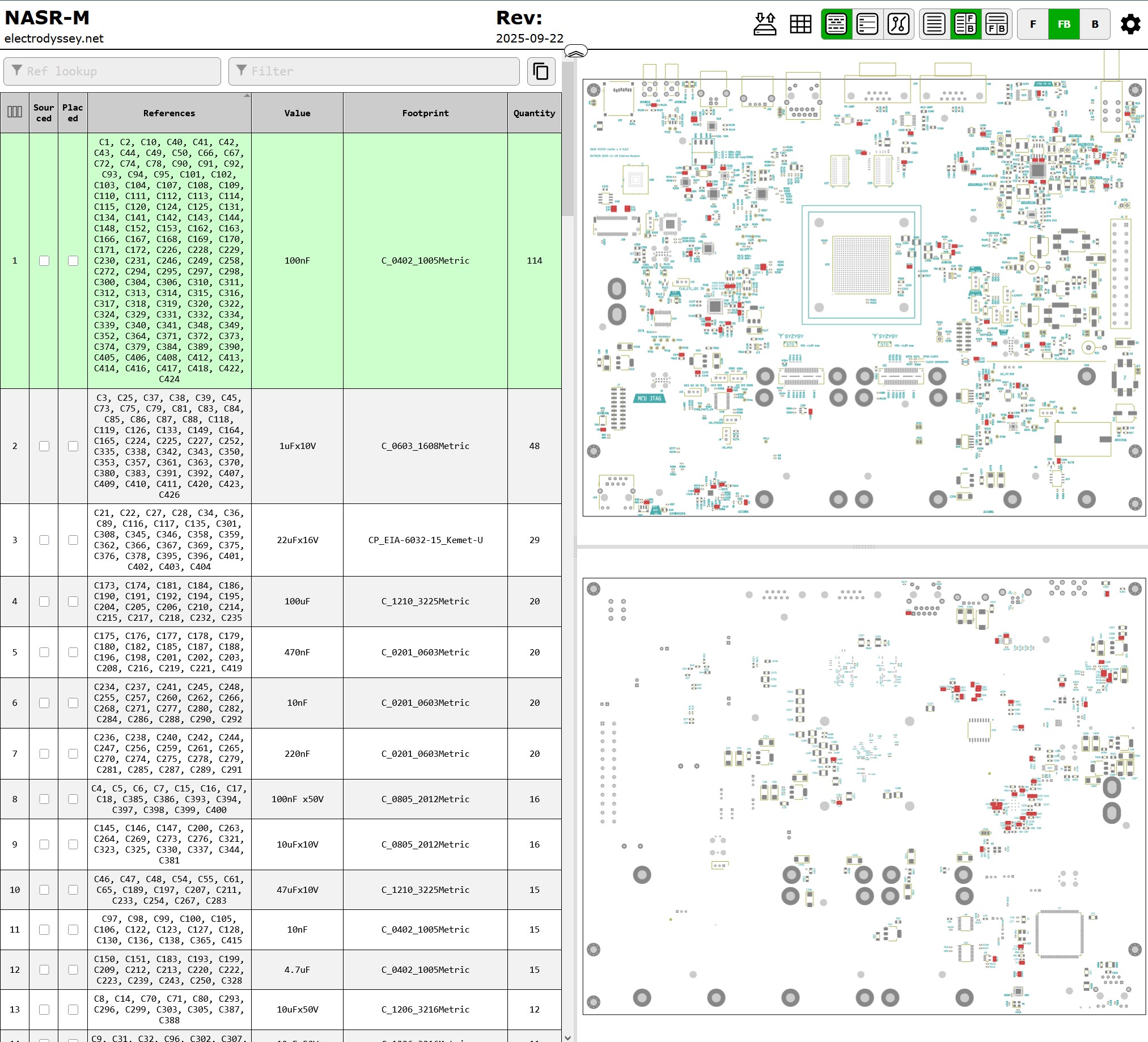
This plugin has been available since 2018, but I have discovered it just now. The plugin exports board assembly view alongside the BOM into an HTML file. You can navigate the board interactively, zoom into the region of interest, and click the component to get its nominal from the BOM. If you click any component in the BOM, the board view will highlight all components of that value.
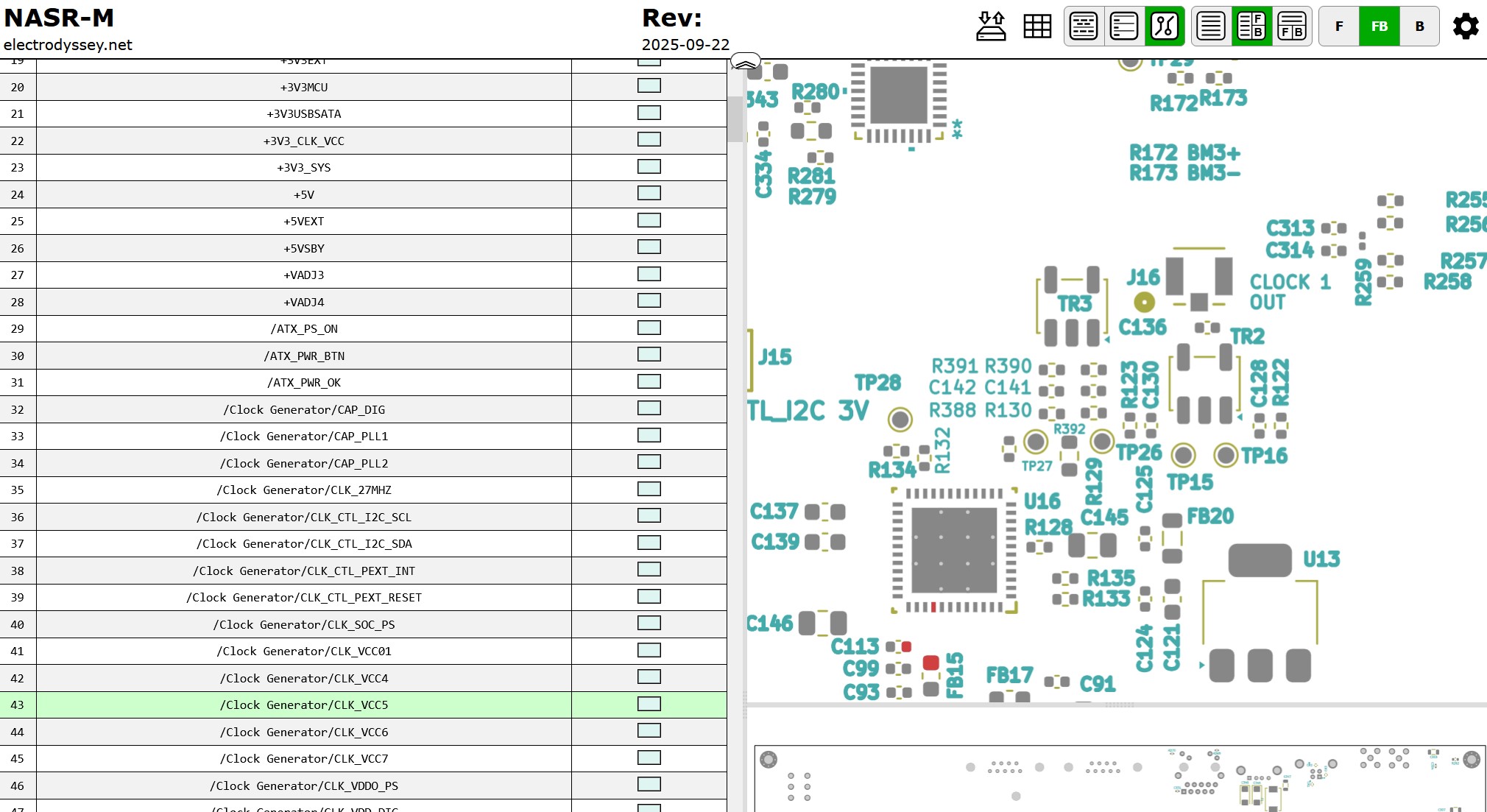
You can even export nets and retrieve net information interactively. That’s a beautiful feature I wish I had before. This shall make the board bring-up much easier.
The plugin export dialog is highly configurable, letting you define which fields to export and how to group them. I sincerely wish the developers of this plugin good health, prosperity, and happiness. They deserve it!
Here is a link to the project and demo:
Interactive HTML BOM plugin for KiCad
Tags: kicad